Creating a home office that feels both cozy and productive is essential for anyone working remotely or handling tasks from home. A well-designed workspace can improve focus, reduce stress, and enhance your overall work experience. Whether you’re setting up your home office for the first time or looking to refresh your current setup, these tips will help you build a space that’s inviting and efficient.
Choose the Right Location
Finding the perfect spot in your home is the first step. Ideally, your workspace should be quiet and separated from high-traffic areas.
– Natural light: Pick a location near a window if possible. Natural light helps reduce eye strain and improves mood.
– Minimal distractions: Avoid placing your desk where you’ll be distracted by TV, kitchen noise, or busy hallways.
– Space considerations: Ensure there’s enough room for your desk, chair, and any other equipment you need.
Invest in Comfortable Furniture
Comfort is key when spending long hours working. The right furniture supports good posture and prevents discomfort.
– Ergonomic chair: Look for chairs with adjustable height, lumbar support, and cushioning.
– Appropriate desk height: Your desk should allow your arms to rest at a 90-degree angle while typing.
– Additional accessories: Consider footrests or monitor stands to keep your body in a natural alignment.
Optimize Lighting
Good lighting reduces eye strain and keeps you alert.
– Task lighting: Use a desk lamp with adjustable brightness to focus light where you need it.
– Avoid glare: Position screens perpendicular to windows to prevent glare.
– Ambient lighting: Soft, overhead lighting can create a warm and inviting atmosphere.
Personalize Your Space
Adding personal touches makes your office feel welcoming.
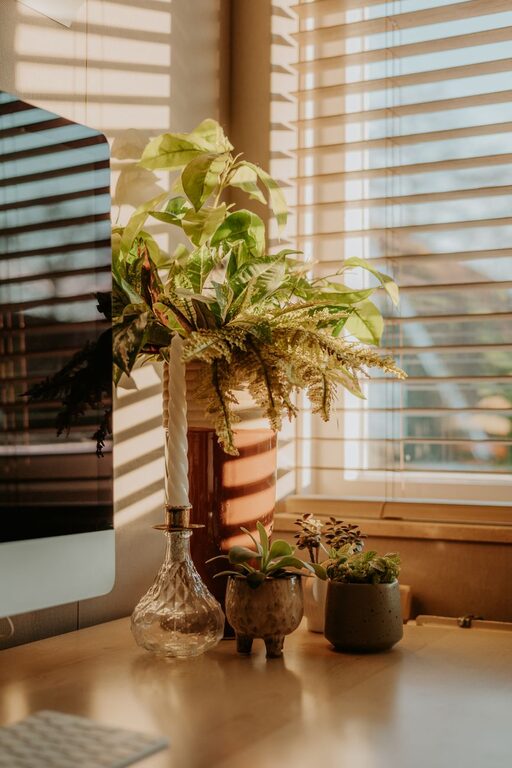
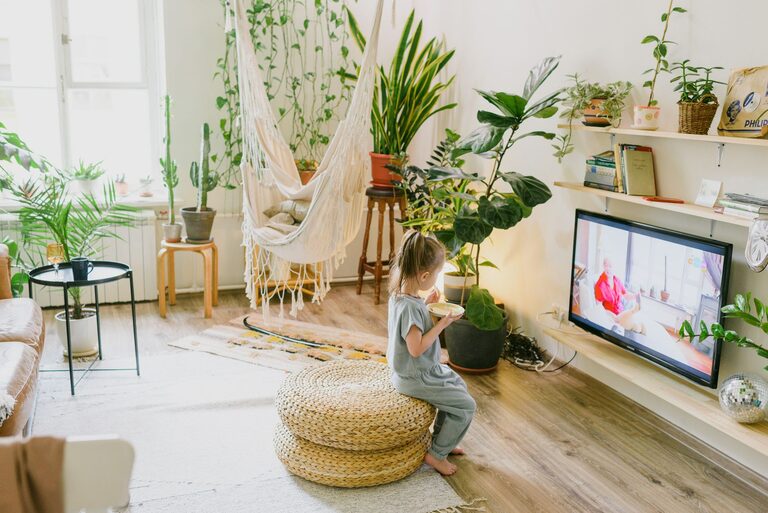
– Plants: Greenery can improve air quality and create a calming effect.
– Artwork: Hang inspiring or calming images to boost your creativity.
– Colors: Choose paint or decor colors that motivate you; soft blues or greens are often relaxing.
Keep Your Workspace Organized
Clutter can hinder your focus and increase stress.
– Storage solutions: Use shelves, drawers, and organizers to keep supplies tidy.
– Cable management: Use clips or sleeves to manage cords and avoid a tangled mess.
– Daily tidy-up: Spend a few minutes at the end of each day clearing away unnecessary items.
Incorporate Technology Wisely
Technology keeps you connected and efficient but should be managed carefully.
– Reliable internet: Ensure you have a strong Wi-Fi signal or a wired connection.
– Ergonomic peripherals: Use keyboards and mice designed to reduce strain.
– Noise-canceling headphones: These can block distractions and help you focus.
Establish Boundaries and Routine
Creating mental boundaries will improve your work-life balance.
– Set work hours: Define when your workday begins and ends.
– Clear separation: If possible, close the door or use a room divider to mark your office space.
– Break area: Have a separate spot for breaks to recharge away from your desk.
Maintain Good Air Quality
Breathing fresh air helps your brain stay alert.
– Ventilation: Open windows regularly or use an air purifier.
– Humidity control: A humidifier or dehumidifier can help maintain comfortable air moisture.
– Avoid strong scents: Stick to mild or natural fragrances to prevent headaches.
Use Comfortable Textiles
Soft textures add warmth and comfort.
– Rugs: A cozy rug can soften the room and add personality.
– Cushions and throws: These make your chair and surroundings more inviting.
Conclusion
Designing a home office that blends coziness with productivity is about balancing comfort with efficiency. By carefully selecting your space, investing in ergonomic furniture, managing lighting, and adding personal touches, you can create an environment where you enjoy spending time and can focus on your tasks. Remember, small changes can make a big difference, so start with a few adjustments and see how your workspace evolves into your ideal office.
About the Author